Album art · Two ways
Add Picture to MP3: Embed the Cover or Make a Video
Write your cover art into the MP3 itself so phones and music players show it, with the audio untouched. Or combine the MP3 and picture into an MP4 for YouTube and social posts.
The audio frames are copied byte for byte, so there is no re-encoding and no quality loss. Everything happens in your browser.
Embedding is completely free, with no watermark or sign-up. Video exports are free at 720p with a small watermark; clean 1080p starts at $4.99.
How it works
Three steps, all in your browser.
- 01
Choose the MP3 and the picture
Select the song and the image you want on it. Embedding takes a JPG or PNG; the video mode also accepts WebP. A square picture is the safest choice for album art.
- 02
Pick Embed or Video
Embed in MP3 writes the image into the file's ID3 tag as the front cover and lets you set title and artist. Make a video builds an MP4 with the picture on screen while the song plays.
- 03
Download the result
Embedding hands back the same MP3 with the art stored inside it. Video mode gives you an MP4. Both are processed on your device rather than on a server.
Tag or video
Two different things people mean by adding a picture to an MP3
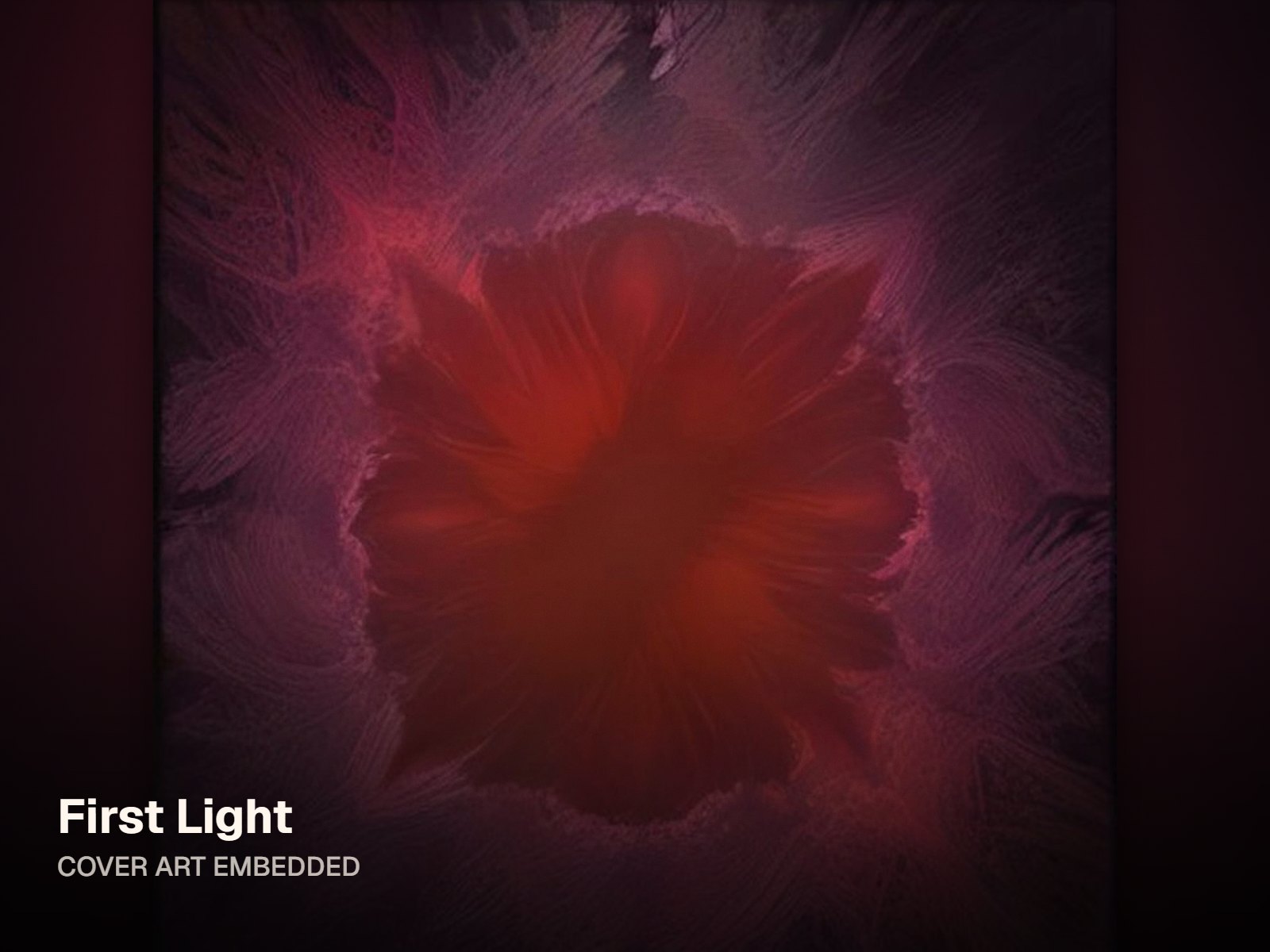
Most people want the cover to appear when the song plays on a phone, in iTunes or in VLC. That works through the MP3's ID3 tag, a block of data at the start of the file that holds the title, the artist and an embedded picture. Writing a picture there doesn't touch the audio, so nothing is re-encoded and the sound is identical. Other people want something to post: a video that shows the picture while the music plays, because YouTube and Instagram don't take MP3s. This page does both, and you choose which at the start.
Embed in MP3, free
Unlimited free embeds: the picture goes into the ID3 tag as front-cover art, with no watermark and no account, all handled locally in your browser.
Your tags, kept
Set title and artist while you embed. Other text tags stay in place on ID3v2.3 and v2.4 files, and any older embedded picture is swapped for the new one.
Make a video when you need to post
Turn the MP3 and picture into an MP4 in 16:9, 1:1 or 9:16, as a still with a slow zoom or with an animated visualizer behind the music.
Size the art sensibly
Square images of roughly 1000 to 3000 pixels look crisp in players. Very large pictures add to the MP3's file size, because the image is stored inside it.
Who it's for
Built for the way you release.
Artists selling or giving away downloads
Fans who download your MP3 see the right cover in their music app, along with the correct song title and artist name.
Musicians sending promos
A promo MP3 with embedded art and clean tags is easier for a DJ, radio host or curator to file away and find again later.
Anyone tidying their own library
Add album art to MP3 demos, rehearsal takes and bounces you made yourself, so every track shows its artwork instead of a blank square.
Embed or video: what each mode does
| Embed in MP3 | MP3 plus a JPG or PNG in; the same MP3 out, with front-cover art in its ID3 tag |
|---|---|
| Audio when embedding | Unchanged: the audio data is copied as it is and never re-encoded |
| Embed price | Free, with no watermark and no sign-up |
| Make a video | MP3 plus a JPG, PNG or WebP in; MP4 with H.264 and AAC out, in 16:9, 1:1 or 9:16 |
| Video, free | 720p, a small watermark at the bottom right, up to 6 minutes per export |
| Video, paid | Single HD at $4.99 for one clean 1080p export of a song; Creator at $12/month for 1080p, or 4K where supported, up to 20 minutes |
Both modes run in your browser. Prices as of October 2026.
FAQ
Questions about this tool
Choose Embed in MP3, select your MP3 and a JPG or PNG picture, and fill in the title and artist if you want to set them. The tool writes the image into the file's ID3 tag as front-cover art and gives you the MP3 back to download. The audio is not re-encoded, so it sounds exactly as before. Embedding is free, adds no watermark and needs no account, and the file never leaves your browser.
Switch to Make a video, then add the MP3 and a JPG, PNG or WebP image. Choose 16:9 for YouTube, 1:1 for an Instagram post or 9:16 for Reels, TikTok and Shorts. Keep the Still look to show the picture with a slow zoom, or pick an animated visualizer. Export gives you an MP4. It is also a simple way to add music to a picture for a social post, as long as you own the song.
Not in Embed mode. The picture is written into the ID3 tag, which sits alongside the audio data, and the audio frames themselves are copied unchanged. The file grows by roughly the size of the image, and that is the only difference. Video mode works differently: the MP4 carries AAC audio, so the sound is re-encoded during export. Quality stays high, but if you only want art on your MP3, embedding is the lossless route.
Most players that read ID3 album art will show it, including many phone music apps, iTunes and Apple Music, Windows Media Player and VLC. Plenty of apps cache artwork, though, so remove the old copy of the song from the library and add the new file again. If you sync music to a phone, sync again after replacing the file. Some older car stereos and portable players skip very large images, so re-embedding a smaller square picture can help.
Not with Embed mode. It writes ID3 tags, and in this tool that works for MP3 files only, since WAV and M4A handle artwork differently. You still have two options. Make a video accepts WAV, M4A, FLAC and OGG as well as MP3, and outputs an MP4 that shows your picture. Or, if you need a tagged audio file, export an MP3 version from your editor or DAW and embed the cover in that.
A square image of about 1000 to 3000 pixels on each side works well: it stays sharp on a phone's now-playing screen and in desktop players. JPG suits photos and detailed artwork and keeps the file smaller, while PNG suits flat graphics. The picture is stored inside the MP3, so a very large image adds directly to its size. If you start from a full-size release cover, a smaller copy is usually enough for embedding.
No. Streaming services take cover art from your distributor, which asks for the artwork as a separate image upload alongside the audio. Embedded art matters for files people actually hold: downloads from your site or a store, promo copies, tracks sent to a DJ, and your own library. For release artwork that meets distributor requirements, start in the album cover maker, then embed a smaller copy of the same image in your MP3s.
Related tools
Keep going with your release
Put the cover where the song is
Embed album art in your MP3 for free, or turn the pair into a video. Nothing is uploaded.