
Release tools · Canvas loop
Spotify Canvas Maker: Turn Your Cover Into an 8-Second Loop
Start from your cover art or a visualizer style, set a loop of 3 to 8 seconds, and export a vertical MP4. A built-in check flags length, framing and size problems before download.
Browser loops are free to make. AI Canvas loops are coming soon. music2video is not affiliated with Spotify.
How it works
From file to finished video in three steps.
- 01
Bring the cover and track
Drop in your cover art, and the song too if you want audio-reactive motion. Colors are pulled from the artwork so the loop matches the release.
- 02
Set the loop
Choose a style and the section of the song that drives it, then set a length between 3 and 8 seconds. The preview repeats in a vertical frame so you can judge the loop point.
- 03
Check, export, upload
The spec check confirms length, 9:16 framing and height, and reminds you to keep links and calls to action out. Export the MP4 and add it to the track in Spotify for Artists.
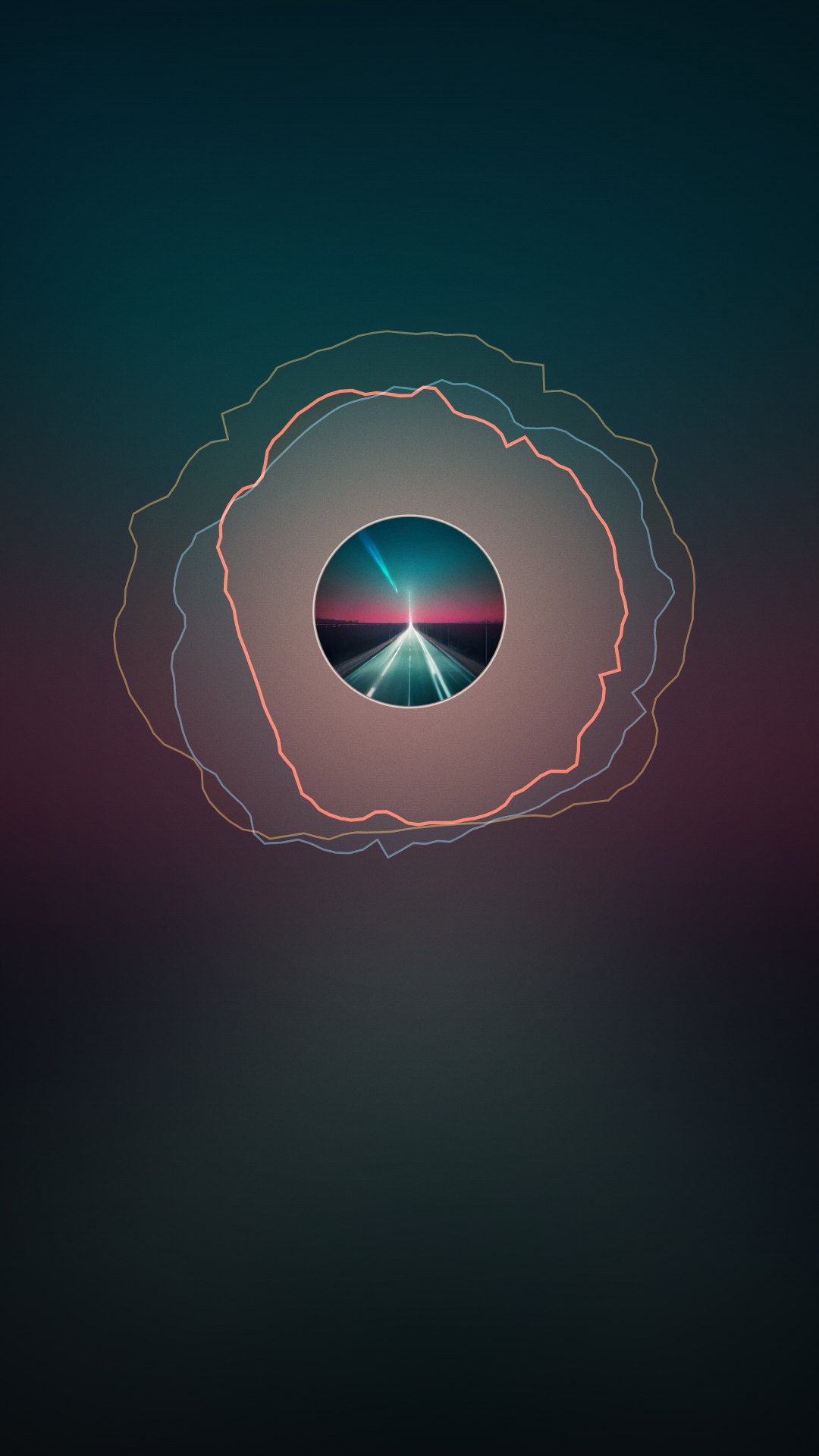
Built for the loop
A Canvas is a loop, not a short music video
Canvas replaces your cover on the Now Playing screen of the mobile app and repeats, with no sound of its own, for as long as the track plays. That changes what works. Slow, steady motion holds up better than quick edits, the last frame should land close to the first, and words compete with the app's own song and artist display. This Spotify Canvas maker starts from the artwork listeners already connect with the song and keeps every export inside the published limits. The checker covers what it can measure; for the rest, check Spotify for Artists' current Canvas guidelines before uploading.
Length: 3 to 8 seconds
The checker flags any loop shorter than 3 or longer than 8 seconds before export, so you don't find out at the upload screen.
Framing: 9:16 vertical
Output is always vertical. Keep key detail away from the edges, since Spotify notes that some phones crop them.
Height: 720 to 1080 px
The check confirms that the file's height sits inside the 720–1080 pixel range Spotify lists, so you don't have to resize it afterwards.
No links or calls to action
Spotify asks that a Canvas not send listeners to websites, ticket sellers or social follows. The check reminds you, and suggests leaving off the song and artist name the app already shows.
Who it's for
Built for the way you release.
Artists with a release date
Add the Canvas to your release checklist next to the cover, so the file is ready when the track appears in Spotify for Artists.
Artists with a back catalog
Older tracks can get a Canvas too. Reusing the original cover keeps the loop recognizable to listeners who already know the song.
Labels managing several artists
Produce a consistent set of loops across releases, with the same spec check applied to every file before it is uploaded.
Canvas spec and pricing
| Length | 3–8 seconds, checked before export |
|---|---|
| Shape | 9:16 vertical |
| Height | 720–1080 px, checked before export |
| Content | No links, social handles or calls to action; song and artist name usually left off |
| Browser loop | Free to make and export with a small watermark; $4.99 for one clean HD export |
| AI Canvas loop | Coming soon, 60 credits per loop |
Spec values follow Spotify's published Canvas guidelines as of October 2026. Confirm the current version in Spotify for Artists before uploading.
FAQ
Questions about this tool
Spotify's published guidelines call for a vertical 9:16 loop, 3 to 8 seconds long, between 720 and 1080 pixels tall, delivered as an MP4 or JPG. Spotify also advises avoiding rapid cuts and intense flashing, keeping detail away from edges that some phones crop, and skipping links, social handles and calls to action. This tool checks length, ratio and height automatically. Check Spotify for Artists' current Canvas guidelines before uploading, since details can change.
Sign in to Spotify for Artists with an account that has access to your artist profile, open the track from your music list, choose the option to add a Canvas, upload the MP4 and confirm that it follows the guidelines. Canvas is added track by track, and you can replace it later if you want to refresh the look. Menu labels change from time to time, so Spotify's own help pages have the current steps.
Links, no. Spotify asks that a Canvas not send listeners to websites, ticket sellers or social accounts, and that any text relate to the track and stay secondary to the artwork. It also suggests leaving off the song and artist name, because the app already shows them. The free export carries a small watermark in the corner, so for the version you actually upload, a clean HD export is the safer choice.
Yes, that is what this tool is built around. Drop in the cover and the editor builds a vertical loop from it, using its colors for the motion and the visualizer layer. Spotify itself suggests connecting a Canvas to your album art, so the loop feels like part of the release rather than a separate ad. If the cover isn't finished yet, the album cover maker exports a 3000×3000 file you can bring straight here.
Canvas plays only in the Spotify mobile app, so it won't appear on desktop. On the phone, check that Data Saver is off and that Canvas is switched on in the app's settings. It is also limited to certain countries and regions, so some listeners won't see it at all. Labels with split rights can add Canvas only to the versions they own. If none of that explains it, see Spotify's help article on Canvas not showing.
Making, previewing and exporting a browser loop is free, with a small watermark in the corner. For the file you actually upload, Single HD at $4.99 gives one clean export for that song, plus free re-exports of the same song for 30 days, so you can adjust the loop after seeing it on your phone. An AI Canvas loop, generated from your cover for 60 credits, is coming soon.
Keep the motion slow and continuous, so the jump from the last frame back to the first is hard to notice. Let the cover stay recognizable rather than swapping it for unrelated footage. Avoid fast flicker; keeping flashes below three per second is a sensible limit for comfort and accessibility. Place important detail near the center, because edges can be cropped on some phones. And always preview the loop on a real phone before you upload.
Related tools
Keep going with your release
Turn the cover listeners know into a loop
9:16, 3–8 seconds, checked against the published spec before you export. Free to make in your browser. Not affiliated with Spotify.