
Tempo · Detection
BPM Finder: Detect a Song's Tempo from the Audio File
Drop in a track and your browser measures the beat: an estimated BPM, a confidence reading, half and double-time options, and a click you can play over the song to hear whether it locks.
Your audio is decoded and analysed in this browser and never uploaded.
Works best on music with a steady beat. Songs that speed up or slow down get an average reading.
How it works
Three steps, all in your browser.
- 01
Drop the song
Drag in an MP3, WAV, M4A, FLAC or OGG file. Your browser decodes it locally and reads up to the first two minutes. Nothing is sent to a server.
- 02
Read the tempo
The finder marks where notes and drum hits begin, then searches those onsets for the interval that keeps repeating. You get an estimated BPM, a confidence indicator, and half-time and double-time alternates.
- 03
Check it by ear
Start the click track and listen against the song. If the click drifts or feels twice as busy as the groove, switch to an alternate, or tap along to compare your own count with the detection.
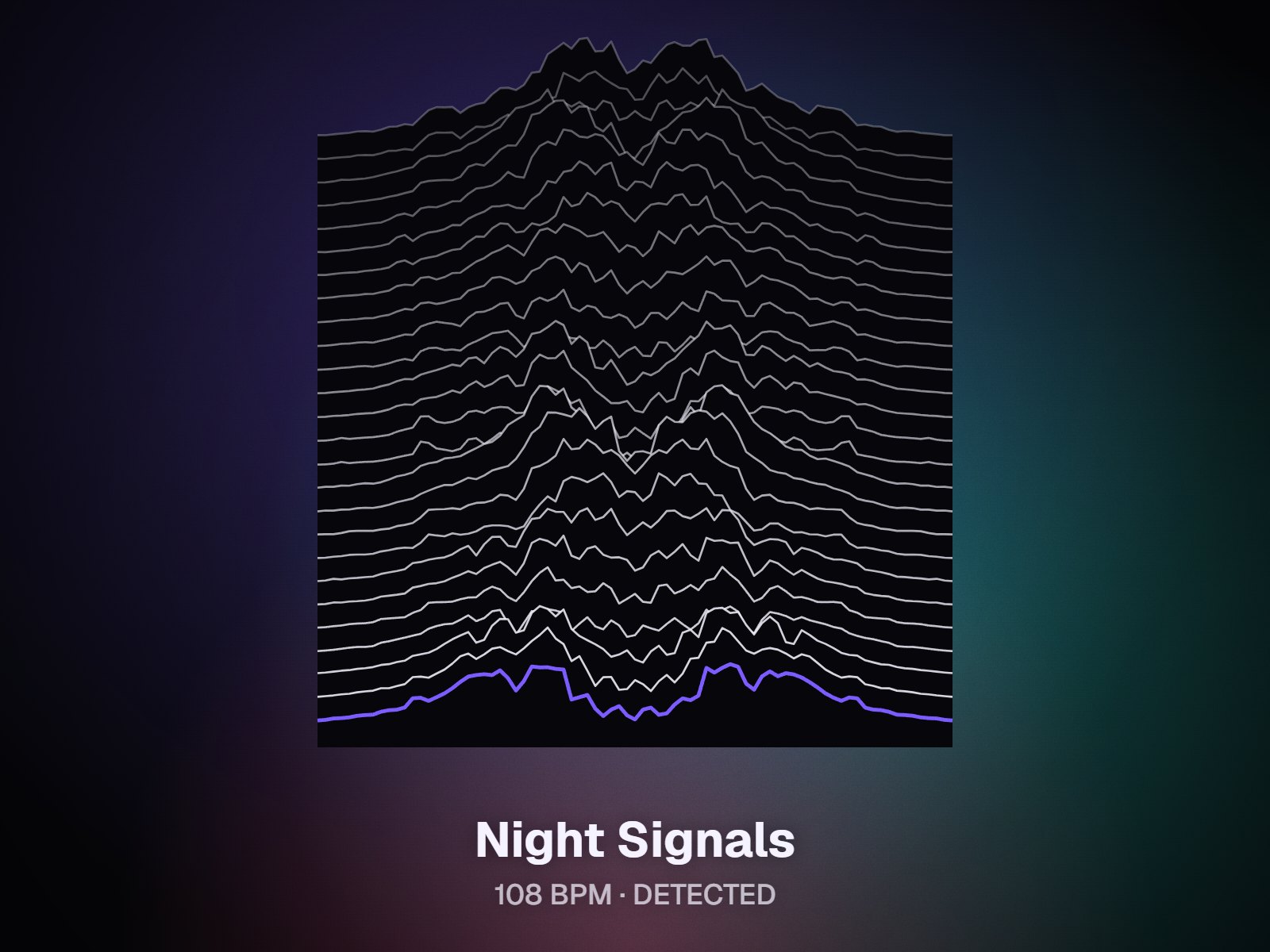
Detect, then verify
A number you can hear, not just read
Most BPM counters hand you a figure and stop there. Tempo detection is an estimate, though, and the classic mistake is reading a song at half or double its real speed: a laid-back groove at 85 can come out as 170 when the detector follows the hi-hats, and a fast track can be read at half speed when it follows only the kick and snare. This BPM finder treats the result as a starting point. It shows how sure the analysis is, keeps the half-time and double-time readings one click away, and plays a click over the track so your ears make the final call.

Real audio, not a lookup
The tempo is measured from the file you drop in, so unreleased demos, alternate mixes and your own bounces work as well as finished masters. There is no catalog search involved.
Half or double, one click
When the reading lands at 70 but the song feels like 140, switch to the alternate instead of doing the arithmetic in your head.
Click track over the song
A metronome click plays at the detected tempo alongside your track. If the click and the song are still together by the chorus, the number is right.
Straight into a visualizer
Open the song in the Studio and build a visualizer whose motion follows the beat, so the pulse on screen matches the tempo you just confirmed.
Who it's for
Built for the way you release.
Producers and beatmakers
When a collaborator sends a demo or a stem without notes, match your session tempo to it before you start warping or layering drums.
DJs and live performers
Log the tempo of your own edits and originals for set planning, and catch half-time readings before they end up in your notes.
Artists making release videos
Confirm the tempo, then make a visualizer that moves on the beat for a short teaser or a full-length upload.
What one analysis gives you
| Accepted files | MP3, WAV, M4A/AAC, FLAC, OGG |
|---|---|
| Audio analyzed | Up to the first 2 minutes of each song |
| Method | Onset detection plus autocorrelation, run in your browser |
| Readout | Estimated BPM, confidence indicator, half-time and double-time alternates |
| Checking tools | Click track over the song, tap-along comparison |
| Cost and privacy | Free, no sign-up, check as many songs as you like; the file is not uploaded |
BPM finder behavior as of October 2026.
FAQ
Questions about this tool
Drop the audio file onto the page. The BPM finder decodes it in your browser, analyzes up to the first two minutes, and shows an estimated tempo with a confidence indicator. Press play on the click track to hear the estimate against the music. If the click lands on every other beat or rushes ahead, switch to the half-time or double-time option. You can also tap along on the beat to compare your own count with the detected number.
It does best on music with a steady pulse and clear rhythmic attacks. Harder cases include live takes that drift, rubato playing, songs that change tempo partway through, and long intros with little rhythm, where the result may be an average or land on half or double the felt tempo. Because only the first two minutes are analyzed, a tempo change later in the song won't show up. The confidence indicator and the click track tell you when to double-check.
Because a groove has layers. A song can be felt at 75 BPM with the snare on beats two and four, or counted at 150 by following the hi-hats, and both readings fit the same audio. Detectors sometimes lock onto the busier layer and sometimes onto the slower one. That's why the result comes with half-time and double-time alternates. Play the click, keep the reading that matches how you'd nod along, and use that number in your project.
Not yet. This page measures tempo only; musical key detection is planned but isn't available today. Until then, a quick manual method is to play along on a keyboard or guitar, find the note the melody keeps resolving to, and test which major or minor chords sit comfortably around it. Tempo and key are separate measurements, so the BPM you get here stays valid whatever key the song turns out to be in.
No. The file is opened, decoded and analyzed by your browser on your own device, and it is never uploaded to our servers. That makes the tool a sensible choice for unreleased mixes, client sessions and demos you'd rather keep private. If you go on to open the song in the Studio to make a visualizer, previews and browser exports there also run on your device rather than on a remote machine.
No. This song BPM finder is free, needs no sign-up, and does its work on your device, so there is no queue and no daily allowance. Check as many songs as you like, one after another: a whole setlist, a folder of demos, or every take of the same idea. It accepts MP3, WAV, M4A or AAC, FLAC and OGG files, and each one is analyzed from up to its first two minutes.
Set your DAW or drum machine to it before you add new parts, or type it into the BPM tapper to get delay times for every note value. You can also open the song in the Studio and build a visualizer whose motion follows the beat, which gives teasers and full-length uploads a pulse that matches the music. Write the number next to your stems so collaborators start from the same tempo.
Related tools
Keep going with your release
Find the tempo, then hear it
Drop a song, read the BPM, check it with a click. Free, no sign-up, and the file stays in your browser.