For producers · Lossless in
WAV to MP4 Converter for Masters, Beats and Bounces
Keep the lossless WAV for your distributor and turn a copy into an MP4 for YouTube, Instagram or a quick share. Bars, Wave, Ridge or your cover art, rendered on your own machine.
Frame
Look
Free: 720p with a small corner mark, first 6 minutes. Your files never leave this browser.
Free exports are 720p with a small watermark, 6 minutes each. Clean 1080p costs $4.99 per song or comes with Creator.
How it works
Three steps, all in your browser.
- 01
Drop the bounce
Drag the WAV straight from your export folder. The browser on your machine reads and decodes it, so a large master never sits behind an upload bar.
- 02
Give it something to look at
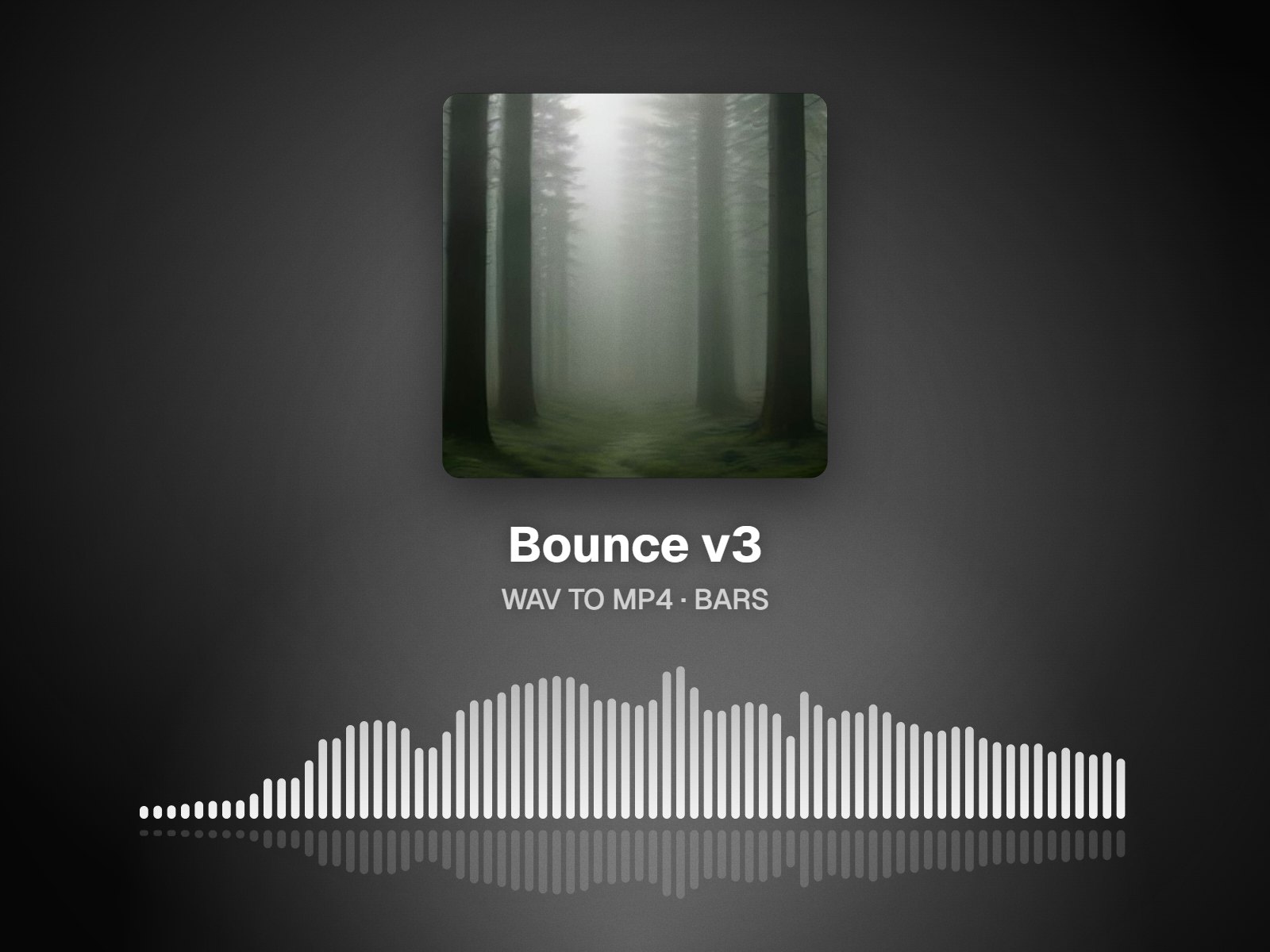
Pick Bars or Wave for a studio-meter feel, Halo, Orb, Ridge or Beat Cut for more motion, or Still to show your artwork with a slow zoom. Then set 16:9, 1:1 or 9:16.
- 03
Render and share
Export an MP4 with H.264 video and AAC audio. Render time depends on your computer and the length of the track. The original WAV stays untouched in its folder.
Master vs share copy
Keep the WAV as the master. Ship an MP4 where video is required.
A WAV bounce is the file you hand to a distributor, a mastering engineer or a collaborator, and nothing in this tool changes it. Video platforms are a different job: YouTube, Instagram and TikTok want a video file, and an MP4 carries its sound as AAC. So the converter decodes your WAV in the browser, draws the visual you choose, and writes a brand-new MP4 while leaving the original alone. AAC keeps quality high, but it is a lossy format, not a bit-for-bit copy. Treat the MP4 as the share copy, and archive the WAV as the real thing.
No upload, whatever the file size
A few minutes of 24-bit stereo WAV can run to tens of megabytes. With nothing to upload, there is no transfer to wait on; your device's memory sets the practical limit.
Straight talk about the audio
MP4 audio is AAC. It sounds good, but it is not lossless, so the MP4 is written as a new file and your WAV is left exactly as it was.
Looks that suit instrumentals
Bars and Wave read like meters on a desk and respond clearly to drums and bass. Halo, Orb and Ridge lean atmospheric, while Beat Cut brings more movement.
A general audio to video converter
The same tool takes FLAC, MP3, M4A/AAC and OGG as well, so it still works when a bounce or a reference arrives in another format.
Who it's for
Built for the way you release.
Beatmakers posting to YouTube
Turn the WAV you would send to an artist into a widescreen visualizer video for your beat channel, without converting it to MP3 first.
Mix and mastering engineers
Share a reference as a video that plays on any phone, rather than asking a client to download and open a large WAV on the go.
Artists holding a finished master
Keep the master for distribution and make 9:16 and 1:1 versions from the same file for release-week posts on Reels, TikTok and Instagram.
WAV to MP4 at a glance
| Input audio | WAV, FLAC, MP3, M4A/AAC, OGG |
|---|---|
| Output | MP4 holding H.264 video and AAC audio; WebM on older browsers |
| Audio quality | AAC: high quality but lossy; your WAV itself is never modified |
| Free | 720p, a small bottom-right watermark, 6 minutes per export at most |
| Single HD, $4.99 | A single clean 1080p MP4 of this track; export it again at no charge within 30 days |
| Creator, $12 per month | Watermark-free browser exports at 1080p, 4K if your browser can encode it, 20 minutes per export |
As of October 2026. Rendering happens in your browser; the WAV is not uploaded.
FAQ
Questions about this tool
Open the converter and drag in your WAV. Add a cover image if you have one, or leave it out and use a visualizer or the gradient background. Pick the frame, 16:9 for YouTube, 1:1 for an Instagram post or 9:16 for Reels, TikTok and Shorts, then choose a look and press export. The browser encodes the MP4 on your device and saves it to your downloads folder. Free exports are 720p with a small watermark.
No. An MP4 video carries AAC audio, and AAC is a lossy format. The converter encodes it at high quality straight from your WAV, which avoids stacking a second lossy encode on top of an MP3. For anything where the exact audio matters, such as distribution, mastering or stem delivery, keep using the original WAV. Think of the MP4 as a listening and sharing copy, and of the WAV as the file of record.
Send the WAV, or whatever format your distributor's upload page asks for. Distributors deliver audio to streaming services and generally want a lossless master, and they collect cover art as a separate image. The MP4 from this tool is for places that need a video: a YouTube upload, an Instagram or TikTok post, or a link you send to fans. Keeping the two jobs apart means your master is never re-encoded.
Yes. Besides WAV, the converter accepts FLAC, MP3, M4A/AAC and OGG, and handles them all the same way: decoded in your browser, paired with a picture or a visualizer, then encoded as an MP4. A lossless FLAC is as good a starting point as a WAV. If your source is an MP3, the MP3 to MP4 page goes deeper into YouTube uploads and cover-art videos.
Size matters less here than on upload-based converters, because the file never travels over your connection. The browser still has to decode the audio into memory before it can render, so how large a file works depends on your device: a desktop with more RAM copes with bigger files than an older phone. If a file won't load, try a computer, close other tabs, or bounce a shorter section.
There is no single right answer, but some pairings are reliable. Bars and Wave react visibly to kicks, snares and bass, which helps a track without vocals hold the eye. Halo, Orb and Ridge tend to fit slower, atmospheric pieces. Beat Cut adds energy for busier productions. If you prefer something calm, Still shows your cover with a slow zoom. Preview each look with your WAV playing before you export.
A free export is a 720p MP4 with a small watermark in the bottom-right corner, covering up to 6 minutes of the file. Single HD, at $4.99, unlocks one clean 1080p export of that track, and you can re-export the same song free for 30 days if you change the look or the frame. If you post videos often, Creator at $12 a month covers watermark-free browser exports in 1080p, or 4K where supported, up to 20 minutes long.
Related tools
Keep going with your release
Your master stays a WAV. Your post becomes a video.
Convert in the browser, free at 720p. The WAV never leaves your machine.