Cover art · Release check
Album Cover Maker for Release-Ready 3000×3000 Art
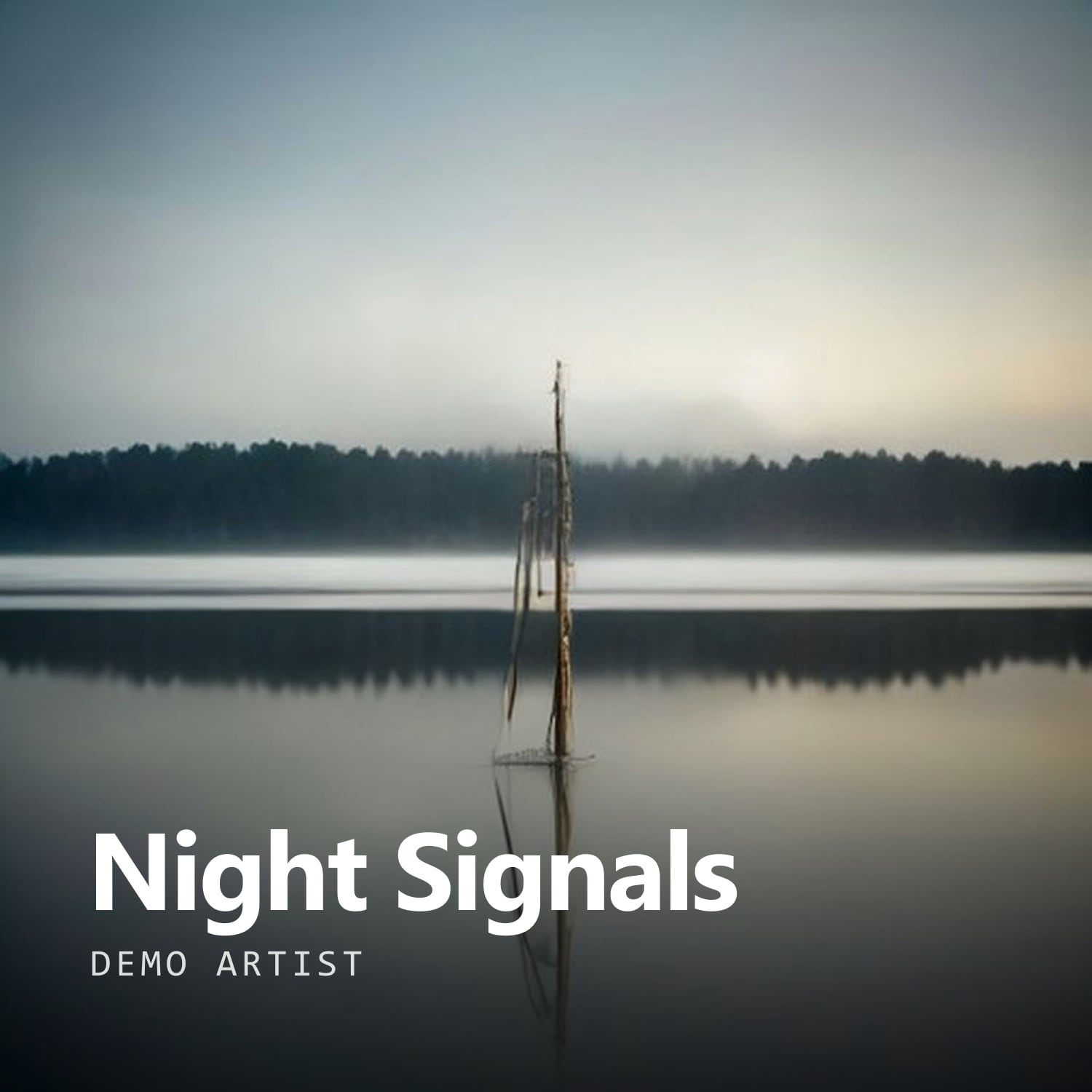
Start from your own photo or a gradient, set the title and artist name, and download a 3000×3000 RGB file already checked against common distributor artwork rules.
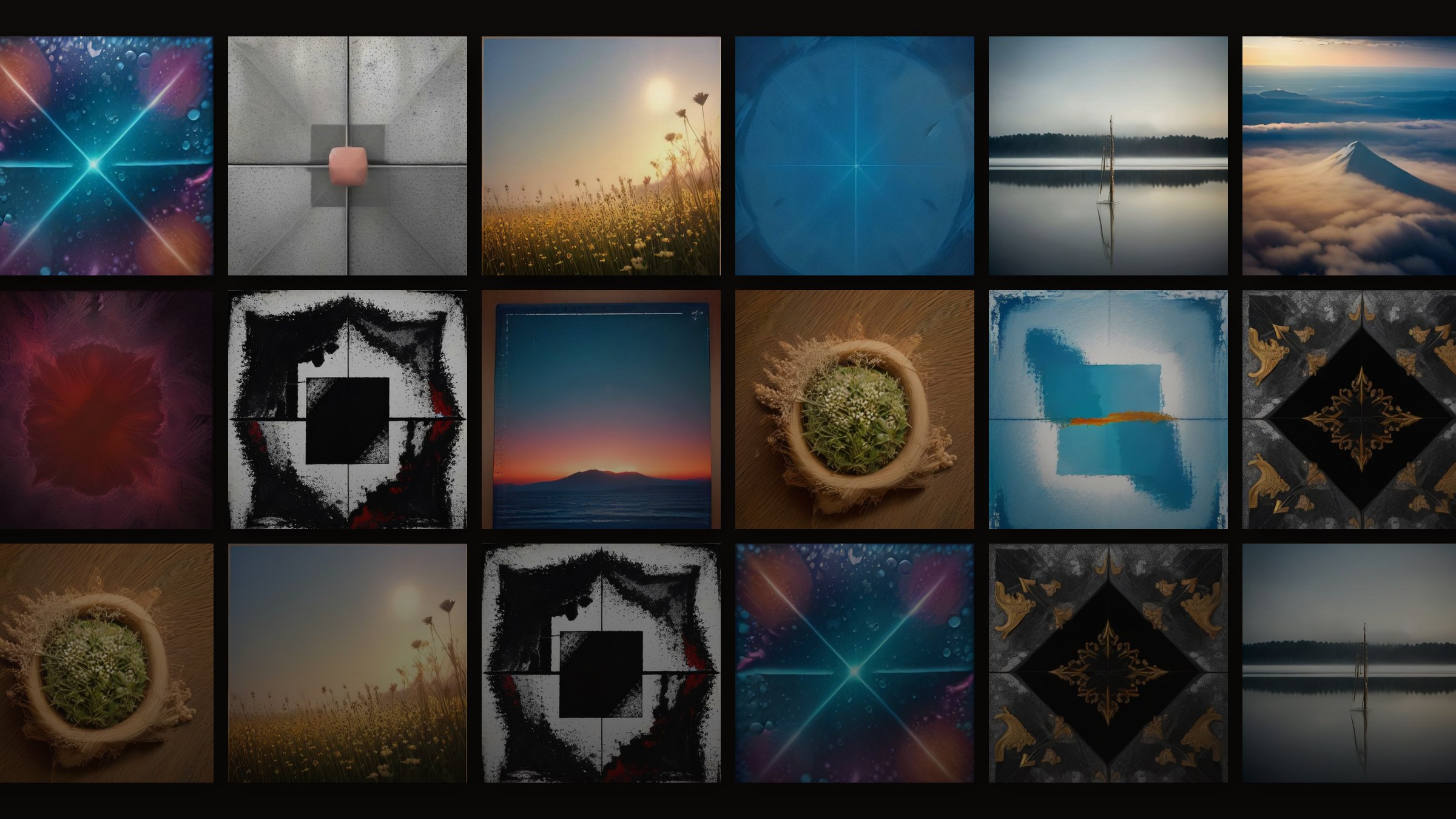
Start from a template
Background
Layout
Type
Release check
- Exactly 3000 × 3000 px, square
- RGB color, JPG or PNG
- No URLs, emails or @handles in the text
- Source resolution looks sharp
- Text sits inside an 8% safe margin
The editor, release check and 3000×3000 export are free. AI backgrounds are coming soon.
How it works
From file to finished video in three steps.
- 01
Pick a background
Upload a photo you own, or start from a gradient or texture if the artwork isn't ready yet. If your photo is too small for a 3000-pixel canvas, the editor tells you before you go further.
- 02
Add title and artist
Type the release title and your artist name, then choose a type preset. The editor renders the text at full resolution, so the letter edges stay sharp instead of going soft.
- 03
Pass the check, then download
The release check confirms an exact 3000×3000 canvas, RGB color, and no URLs, social handles or email addresses in your text. Export JPG or PNG once the checklist is clear.
Release check
Designed for the distributor's upload form, not just the feed
Most cover tools stop at 'looks good'. Distributors judge something else: an exact square size, RGB color, and text without web addresses, social handles or prices. A cover that fails can hold up a release while you fix it and resubmit. This album cover maker runs those checks as you design, so problems surface on the canvas instead of in a rejection email. It flags what it can measure and tells you what still needs a human look. Rules differ between distributors and change over time, so confirm your distributor's current artwork guidelines before you submit.
Exact size, every time
Every export is precisely 3000×3000 pixels, the square size distributors most often recommend, so the file matches the spec before it leaves your computer.
RGB color mode
Files are saved as RGB, the color mode digital stores expect. CMYK files prepared for print can be rejected or show shifted colors on screen.
No links, handles or email
The checker reads your title and artist fields and flags web addresses, @handles and email addresses, which distributors commonly refuse on cover art.
Low-resolution warning
When an uploaded photo has fewer pixels than the canvas needs, you see a warning before export, not a soft, upscaled cover on release day.
Who it's for
Built for the way you release.
Independent artists
Get a compliant square file ready ahead of your distributor's deadline without learning a full design suite first.
Producers and beatmakers
Keep a consistent look across singles, beat tapes and instrumentals by reusing the same type preset and background style.
Labels and managers
Set up covers for several artists' releases with the same checks applied every time, before anything goes to the distributor.
What the album cover maker does today
| Canvas | 3000×3000 px, square |
|---|---|
| File types | JPG or PNG, RGB color mode |
| Backgrounds | Your own photo, gradients or textures (free) |
| Release check | Size, RGB, URLs, social handles, email, low-resolution source (free) |
| AI backgrounds | Coming soon: text-free art at 15 credits standard or 50 credits premium 4K |
| Turn it into video | Visualizer and Canvas tools: free with a small watermark, one clean HD export for $4.99 |
Status as of October 2026. Distributor requirements vary, so check yours before submitting.
FAQ
Questions about this tool
Independent releases usually reach Spotify and Apple Music through a distributor, so your distributor's spec is the one that counts. Most ask for a square image, recommend 3000×3000 pixels, and accept RGB JPG or PNG files. That is exactly what this editor exports. Requirements do change, including minimum sizes and file-size limits, so read your distributor's current artwork guidelines before you upload, even if a cover passed last year.
Many distributors accept AI-assisted artwork if you hold the rights to it and it follows their content rules, but policies differ and some ask you to disclose AI use. Today this editor builds covers from your own photo or from gradients and textures. AI backgrounds are coming soon and will produce text-free images only, with your title and name added as real type on top. Check your distributor's AI policy before you release.
Common reasons are the wrong size or shape, CMYK instead of RGB color, a blurry or upscaled image, and text that includes a website, social handle, email address, price or sales message. Cover text that doesn't match the release title or artist name, and logos you don't have rights to, can also trigger a rejection. The release check catches size, color mode, links, handles, email and low-resolution sources automatically. Trademarks and metadata matching still need your own review.
Yes. Type the release title and artist name into their fields and choose a type preset. The editor sets the letters as real text at full resolution, so they stay crisp at 3000×3000 rather than looking pasted on. Spell both exactly as they appear in your distributor metadata. The checker also scans these fields, so a stray link, handle or email address gets flagged before export.
You do, provided the photo you upload is yours or licensed to you. We don't claim ownership of your artwork; our terms only grant us the limited permission needed to process it so the editor can work. If a photographer, designer or friend took the image, get their written permission before using it on a commercial release, and keep that permission on file in case your distributor asks for it.
Yes. When the cover is finished, open it in the Spotify Canvas maker to build a 3–8 second vertical loop from the artwork, or drop it into the audio visualizer as the background and color source for a full-length video. Both run in your browser and export MP4. The Canvas tool checks length, 9:16 framing and height for you, but check Spotify for Artists' current Canvas guidelines before uploading.
Yes. The template editor, the release check and the 3000×3000 JPG or PNG export cost nothing, and you can start designing without an account. When AI backgrounds launch they will use credits: 15 for a standard image and 50 for a premium 4K image, with the cost shown on the button before you generate. Credits come with the Creator and Pro plans, or in packs starting at $9.99 for 1,000.
Related tools
Keep going with your release
Design it, check it, download it
A 3000×3000 RGB cover, checked for size, color mode, links and handles before export. Free in your browser.