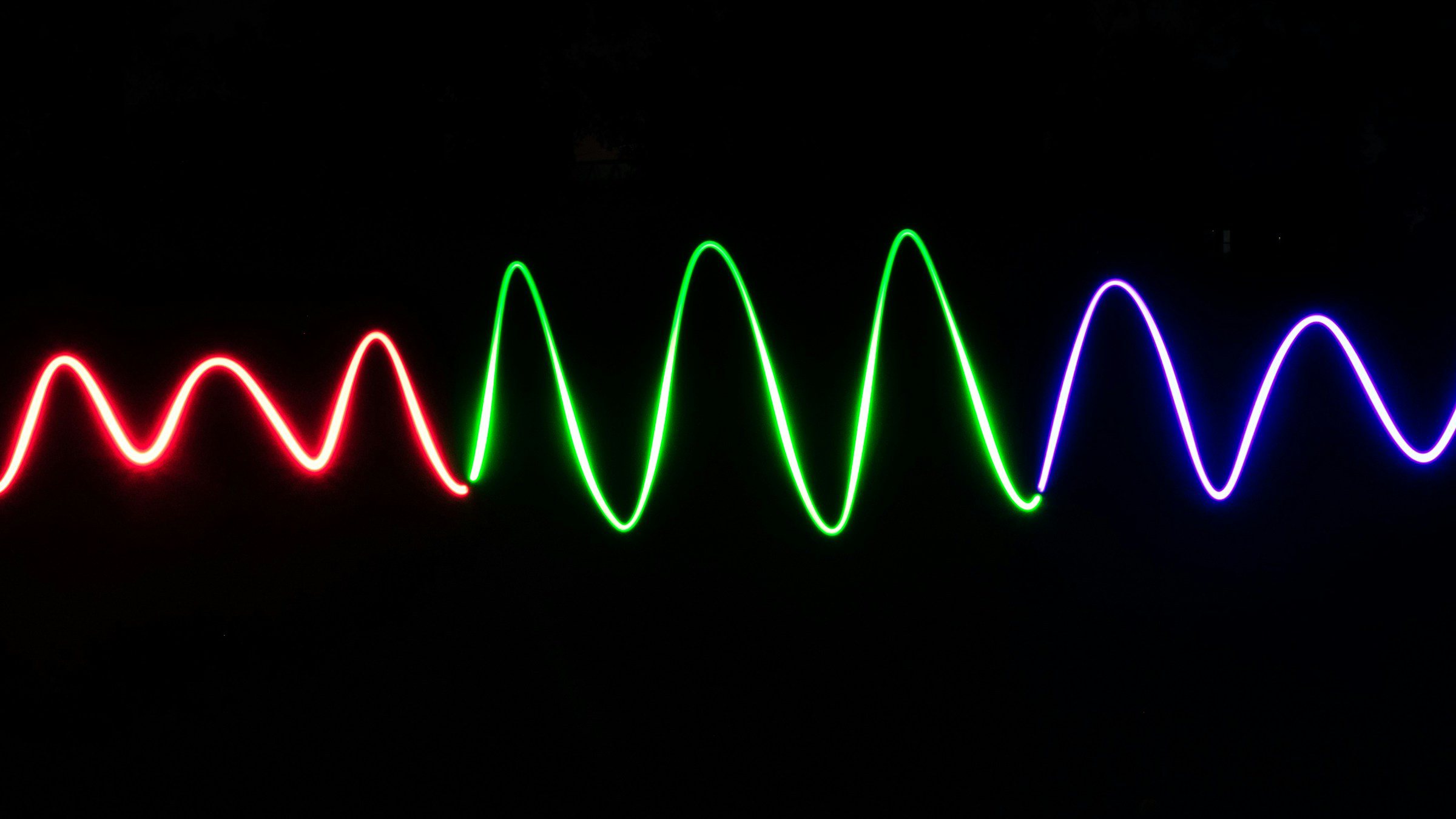
Visualize · Amplitude
Waveform Maker & Sound Wave Generator for Waveform Videos
Drop in a track or voice clip and watch its waveform draw as it plays. Choose line, bars, mirrored or circular, tune thickness, smoothing and color, then export an MP4.
Free MP4 exports are 720p with a small corner watermark. A static PNG export is coming soon.
How it works
From file to finished video in three steps.
- 01
Drop in the audio
Use an MP3, WAV, M4A or FLAC file. It is decoded in your browser, never uploaded, and the waveform appears once decoding finishes.
- 02
Shape the line
Choose line, bars, mirrored or circular, then move the thickness and smoothing sliders until the wave reads clearly at the size you plan to post.
- 03
Trim and export
Trim to the section you need, pick an aspect ratio and export MP4. Free exports can run up to 6 minutes each.
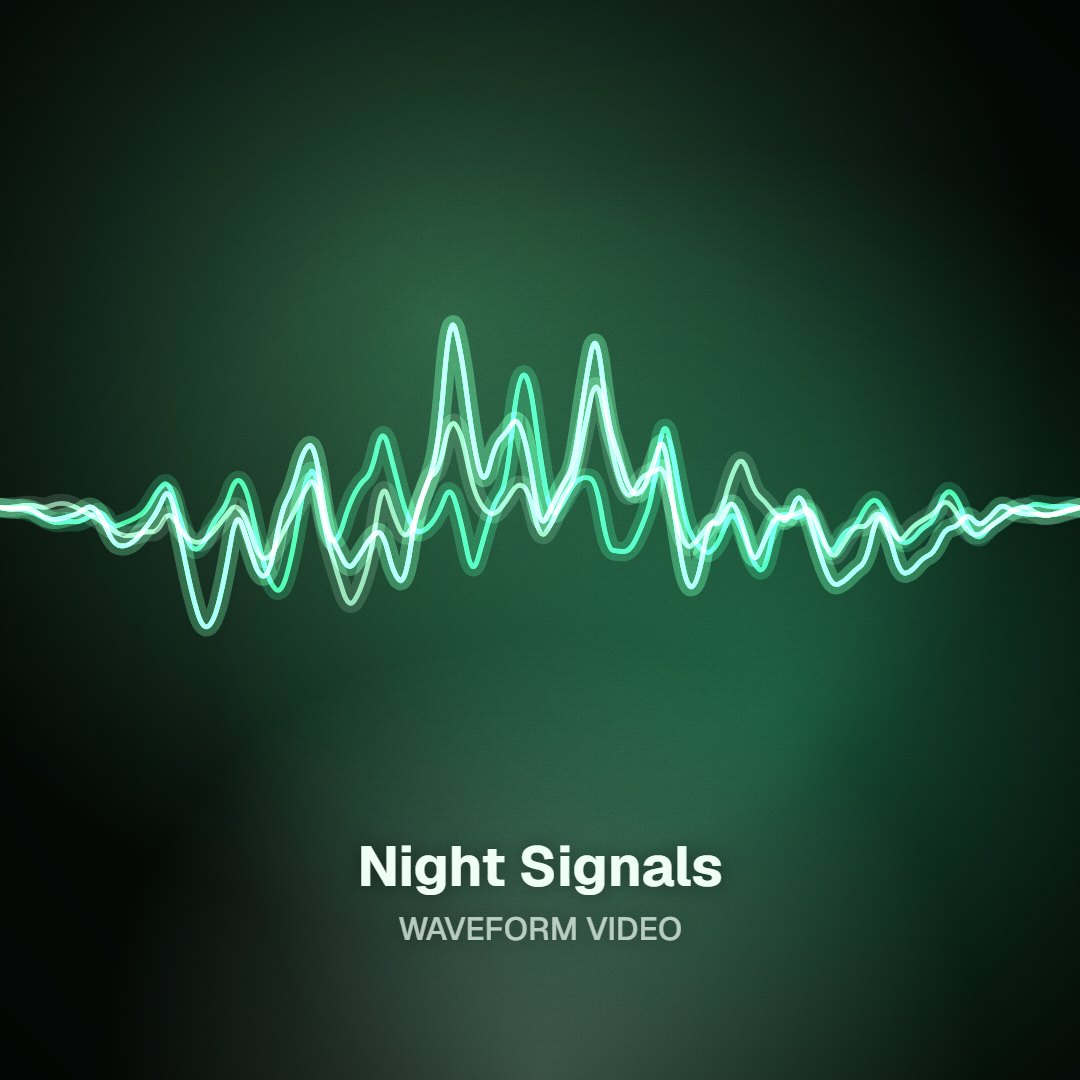
Waveform vs spectrum
One line for loudness, not a wall of frequency bars
A waveform plots amplitude over time: how strong the signal is at each moment, drawn as a single moving line or a row of level bars. A spectrum visualizer works differently. It splits the sound into frequency bands, lows on one side and highs on the other, and animates each band on its own. Waveforms read as calm and precise, which suits voice clips, piano, ambient tracks and minimal artwork. Spectrum styles look busier and react harder to drums and bass. If you want the frequency-band look, the audio visualizer on our homepage is built for it.
Four shapes
Line for a clean oscilloscope trace, bars for a level-meter look, mirrored for symmetry around a center axis, and circular for square posts and cover-style frames.
Thickness and smoothing
A thin, lightly smoothed line shows every transient. Heavier smoothing gives a rounded wave that stays legible on small phone screens.
Your colors
Set the wave and background colors yourself, or start from colors pulled from your cover art so the clip matches the release.
Poster PNG, coming soon
A free high-resolution PNG of a static sound wave, for prints, thumbnails and merch mockups, is on the way. Today the export is MP4 video.
Who it's for
Built for the way you release.
Musicians teasing a release
Post a minimal waveform clip of the hook in 9:16 or 1:1 when a full visualizer would feel too loud for the song.
Podcasters and voice artists
Show at a glance that a clip is audio. For captions and podcast layouts, the audiogram generator is built for that job.
Designers and sound artists
Use the wave as a graphic element: one precise line in brand colors on a plain background, sized for any feed.
Free and paid, side by side
| Shapes | Line, bars, mirrored, circular |
|---|---|
| Controls | Thickness, smoothing, color, aspect ratio, trim |
| Free | 720p MP4, small corner watermark, up to 6 minutes per export, no sign-up to preview |
| Single HD, $4.99 | One clean 1080p export of one song; re-export it free for 30 days |
| Creator, $12/month or $96/year | 1080p browser exports, 4K where supported, no watermark, your logo |
| Static PNG image | Coming soon, free |
Waveform video options as of October 2026.
FAQ
Questions about this tool
Drop an MP3, WAV, M4A or FLAC file onto the page. The waveform starts drawing as soon as the file is decoded in your browser. Pick a shape, line, bars, mirrored or circular, adjust thickness, smoothing and color, choose an aspect ratio and trim to the part you want. Then export an MP4. Free exports are 720p and can be up to 6 minutes long, with no account needed to preview.
Not yet. A free high-resolution PNG export of a static sound wave is coming soon, aimed at posters, thumbnails and merch mockups. Until then, the tool exports MP4 video only. If you need a still today, export a short clip and grab a frame in your video player, though that frame is limited to the video's resolution rather than a print-quality image.
Yes. There are four shapes: a single line, vertical bars, a mirrored wave that reflects around a center axis, and a circular wave. Thickness controls how heavy the stroke looks, and smoothing decides whether the wave shows every sharp peak or a softer, rounded outline. Colors can be set by hand or pulled from your cover art. Changes appear in the live preview as you make them.
A waveform shows amplitude over time, so you see the overall loudness of the audio rise and fall as a single line or row of bars. A spectrum visualizer breaks the same audio into frequency bands and moves each band separately, which is why kick drums and hi-hats light up different parts of it. Waveforms suit speech and minimal designs; spectrum styles suit beat-driven tracks. For spectrum styles, use the audio visualizer on our homepage.
Yes, for MP4 exports at 720p with a small watermark in the bottom-right corner, up to 6 minutes per export. Free projects don't expire. For a clean 1080p file, Single HD is $4.99 for one song, with free re-exports of that song for 30 days. Creator, at $12 a month or $96 a year, covers 1080p browser exports, 4K where your browser supports it, no watermark and your own logo.
No. Some people searching for a sound wave generator want a tool that plays test tones, such as a sine wave at a chosen frequency. This tool works in the other direction: it reads audio you already have and draws it as a waveform you can export as video. It does not produce tones or frequencies of any kind. For that, look for an online tone or frequency generator instead.
Use 16:9 for YouTube, 9:16 for TikTok, Reels and Shorts, and 1:1 or 4:5 for Instagram and Facebook feed posts. Circular and mirrored waveforms tend to suit square and 4:5 frames, while a long horizontal line fits 16:9. Keep the wave clear of the top and bottom of vertical frames, where platform buttons and captions sit, and trim to the strongest 15 to 30 seconds for short-form posts.
Related tools
Keep going with your release
See your track as a single line
Waveform video in your browser, free at 720p. Your audio never leaves your device.