
Tempo · Tap
BPM Tapper: Tap the Beat, Get the Tempo and Delay Times
Tap the pad or hit Space in time with a song, a drummer or the riff in your head. You get the BPM, milliseconds per beat and a delay chart for every common note value.
Tap the circle or press any key in time with the music
—
ms per beat
0
taps
Delay & reverb times
| Straight | Dotted | Triplet | |
|---|---|---|---|
| 1/1 | — | — | — |
| 1/2 | — | — | — |
| 1/4 | — | — | — |
| 1/8 | — | — | — |
| 1/16 | — | — | — |
The reading averages your last 8 taps. Pause for 2 seconds to start over. Delay times are in milliseconds for the note value on the left.
The reading is an average of your recent taps, so it settles the longer you hold a steady pulse.
How it works
Three steps, all in your browser.
- 01
Find the pulse
Play the song on any speaker or phone, listen to the drummer count in, or hum the part you're writing. Pick the beat you'd clap to, which is usually the quarter note.
- 02
Tap along
Click the big pad or press any key on each beat; Space is the easiest. The reading averages roughly your last eight intervals, so one early or late tap won't throw it off.
- 03
Read and dial in
Copy the BPM into your DAW, or read the chart to set echo and reverb times. Stop tapping for about two seconds and the count starts fresh for the next song.
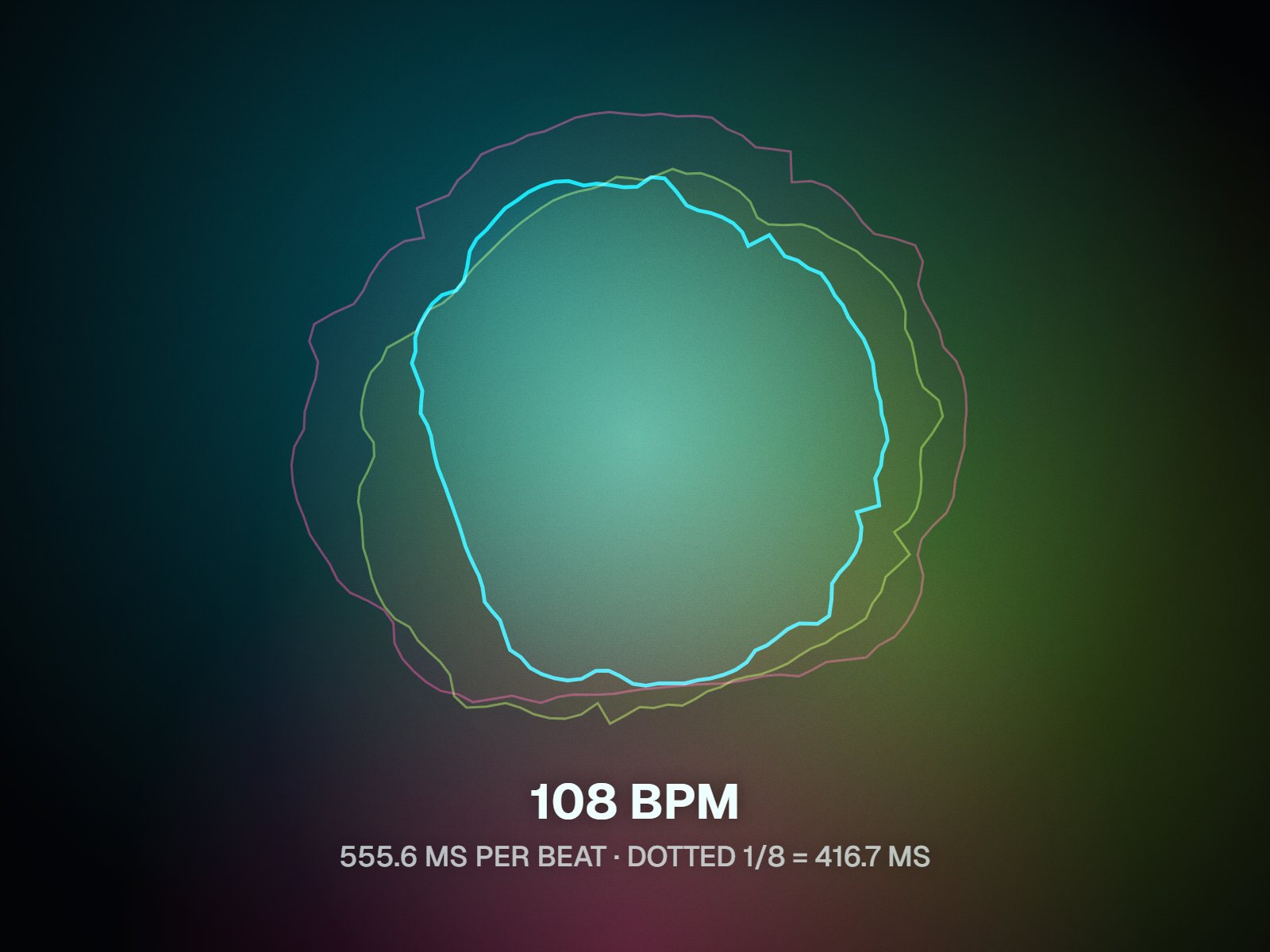
Tempo to milliseconds
The BPM is half the answer; the delay time is the other half
Tapping out a tempo is useful on its own, but plenty of people tap because they're about to set an effect. A delay that repeats on the dotted eighth, or a reverb tail that clears before the next downbeat, is dialed in with milliseconds, not BPM. This BPM tapper does the conversion as you go: once there's a reading, the chart lists whole, half, quarter, eighth and sixteenth notes in straight, dotted and triplet form. Already know the tempo? Type it in and skip the tapping. Everything runs inside the page, so it keeps working in a rehearsal room with no signal.
Any key counts
Tap the on-screen pad with a mouse or a finger, or press any key. Space is the steadiest choice on a laptop keyboard.
Rolling average
The tempo comes from roughly your last eight intervals, so it follows you if the band drifts and recovers quickly from a stray tap.
Fifteen delay values
Five note lengths, each in straight, dotted and triplet form, all worked out from 60,000 divided by the BPM.
Fresh count after a pause
Stop for about two seconds and the average clears, so your next tap starts a new measurement for the next song.
Who it's for
Built for the way you release.
Guitarists and keyboard players
Set delay pedals and synth echoes to the song's tempo, then choose a dotted or triplet value that fits the part you're playing.
Drummers and bandleaders
Tap the tempo of a rehearsal take or a count-in and write it on the setlist, so the next run starts at the same speed.
Producers and mix engineers
Get pre-delay and echo times in milliseconds for plugins that don't sync to the host, or gauge a reference playing elsewhere when you have no file.
Delay times at 120 BPM
| Whole note | 2,000 ms · dotted 3,000 ms · triplet 1,333.3 ms |
|---|---|
| Half note | 1,000 ms · dotted 1,500 ms · triplet 666.7 ms |
| Quarter note (one beat) | 500 ms · dotted 750 ms · triplet 333.3 ms |
| Eighth note | 250 ms · dotted 375 ms · triplet 166.7 ms |
| Sixteenth note | 125 ms · dotted 187.5 ms · triplet 83.3 ms |
| Formula | 60,000 ÷ BPM = one quarter note in ms; dotted = × 1.5; triplet = × 2/3 |
Milliseconds per note value at 120 BPM, rounded to one decimal. Tap or type your own tempo to get your numbers.
FAQ
Questions about this tool
Tap tempo means setting or measuring a tempo by tapping in time with the music instead of typing a number. Many delay pedals, drum machines and DAWs have a tap button for exactly this. The page works the same way and doubles as a simple BPM counter: tap the pad or a key on each beat, and the gaps between taps become beats per minute. It's handy when you can hear a song but don't have the file.
Divide 60,000 by the tempo to get one quarter note in milliseconds. At 100 BPM that's 600 ms. Halve it for an eighth note (300 ms), halve again for a sixteenth (150 ms), and double it for a half note (1,200 ms). For dotted values multiply by 1.5, and for triplets multiply by two thirds. The BPM calculator on this page works out all fifteen values at once, whether you tap the tempo or type it.
The tempo comes from the gaps between taps, so a reading needs at least two, but a single gap is easily off by a few BPM. The tapper averages roughly your last eight intervals, so after nine or so steady taps the number tends to settle. For songs with a loose, swung feel, keep going through a full phrase. Pausing for about two seconds resets the count, so keep tapping while you read the display.
If you have the audio file, the BPM finder measures the tempo from the recording itself and plays a click over it so you can check the result. Reach for the tapper when there's no file: a song on the radio or someone else's phone, a band in the room, a part you haven't recorded yet. Tapping also settles half-time versus double-time debates quickly, because you decide which pulse to follow.
Human timing varies a little from tap to tap, and at fast tempos those small differences are a large share of each interval. Tap on a strong, clear sound such as the kick or snare rather than a busy hi-hat, keep the motion relaxed, and use a keyboard key instead of a touchpad click if you can. A steady run of eight or so beats smooths out most of the wobble. A song that genuinely speeds up will show that change.
Yes, once the page has loaded. The tapping, the averaging and the delay math all run in your browser, so you can open the page before rehearsal and keep using it with no signal. There is nothing to install and no account to create. If you close the tab, you may need a connection to load the page again, so leave it open if you're heading somewhere without coverage.
It depends on the part. Quarter-note echoes sit squarely on the beat and suit slower songs. Dotted eighths give the rolling, interlocking repeat often heard on guitar, because each echo falls between the beats. Eighth-note triplets add a swung feel. On vocals, short values such as sixteenths add width without blurring the words. Try two options from the chart and listen in context; the right one usually stops drawing attention to itself.
Related tools
Keep going with your release
Tap it once, set it right
BPM, milliseconds per beat and fifteen delay times from a few taps. Free, no sign-up, and it keeps working offline.