
Convert · Audio into video
MP3 to MP4 Converter: Your Cover Art, Not a Black Screen
Drop in an MP3 and its artwork and get an MP4 that YouTube, Instagram and TikTok will accept. Pick 16:9, 1:1 or 9:16, a still frame or a visualizer, all inside your browser.
Frame
Look
Free: 720p with a small corner mark, first 6 minutes. Your files never leave this browser.
Free MP4s are 720p with a small corner watermark, up to 6 minutes each. A clean 1080p file is $4.99 per song.
How it works
Three steps, all in your browser.
- 01
Add the MP3 and a picture
Drag your MP3 onto the page, then add the cover as a JPG, PNG or WebP file. Skip the picture and the tool builds a gradient background with your song title on it instead.
- 02
Choose a frame and a look
Use 16:9 for a YouTube upload, 1:1 for an Instagram post, or 9:16 for Reels, TikTok and Shorts. Keep the Still look, a slow zoom on your artwork, or switch to a visualizer such as Halo or Bars.
- 03
Export the MP4
Press export and the video is encoded on your own computer or phone, so the time it takes depends on that device. The finished file lands in your downloads, ready to post.
Why not a black screen
An MP3 turned into a video people will actually watch
YouTube, Instagram and TikTok don't take audio files, so an MP3 has to become a video before it can go up. Plenty of converters solve that with a black frame or a stock background, which tells the listener nothing about the song. This converter puts your release artwork in the frame instead, with a slow zoom so the picture never looks frozen, plus the title and artist if you want them. If the track calls for motion, swap the still for an animated visualizer that reacts to the audio. Everything is encoded in your browser, so the MP3 never sits on someone else's server.
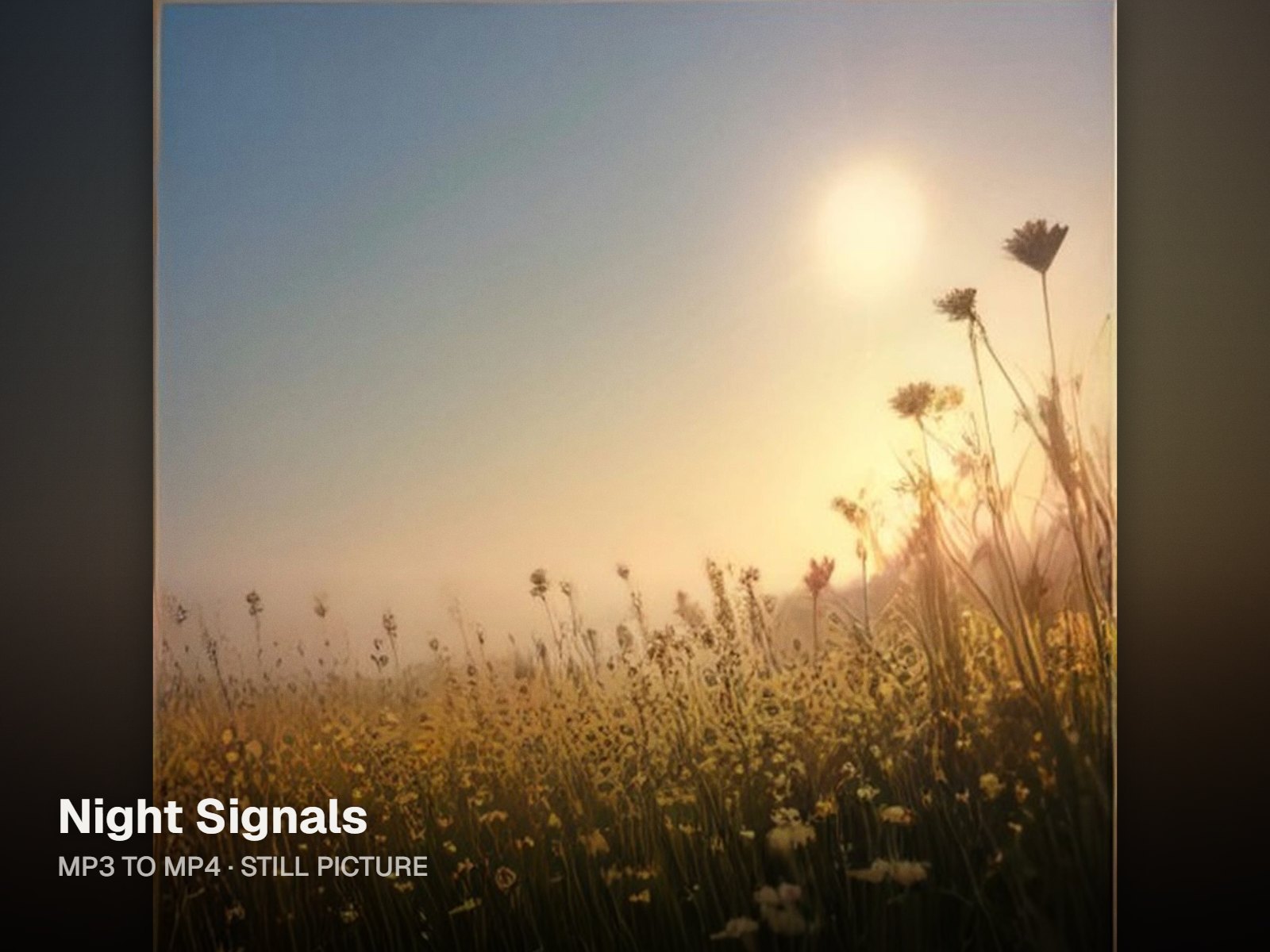
Still, with a slow zoom
Your picture fills the frame and drifts gently closer over the length of the song. Title and artist text are optional and sit over the artwork.
Six visualizers when a still feels flat
Halo, Bars, Wave, Orb, Ridge and Beat Cut each move with the music. Pick one and the preview switches over while the song keeps playing.
One song, three shapes
The same MP3 and picture can go out as 16:9 for YouTube, 1:1 for a feed post and 9:16 for Reels, TikTok or Shorts. Change the frame and export again.
Private by design
Decoding and encoding both happen on your device. There is no upload queue, and your song is never sent to our servers during conversion.
Who it's for
Built for the way you release.
Artists putting a single on YouTube
Post the official audio as a video that shows the real cover, so the release looks the same on YouTube as it does everywhere else.
Producers sharing beats
Turn a beat MP3 into a widescreen video with your own artwork or a reactive visualizer, ready for a beat channel or a social post.
Songwriters passing around demos
An unlisted video plays on any phone with the working artwork attached, so a co-writer or curator never has to download and open an audio file.
What the MP3 to MP4 converter gives you
| Audio in | MP3, plus WAV, M4A/AAC, FLAC and OGG |
|---|---|
| Picture in | JPG, PNG or WebP, optional; without one you get a gradient with the song title |
| Video out | MP4 with H.264 video and AAC audio; older browsers save WebM instead |
| Free | 720p, small watermark in the bottom-right corner, each export capped at 6 minutes |
| Single HD · $4.99 | This song as one watermark-free 1080p MP4, plus free re-exports for 30 days |
| Creator · $12/month | No watermark, 1080p, 4K where the browser supports it, exports up to 20 minutes each |
Specs and prices as of October 2026. Every conversion runs in your browser.
FAQ
Questions about this tool
Drop the MP3 onto the converter, then add your picture as a JPG, PNG or WebP file. Choose the frame, 16:9, 1:1 or 9:16, and leave the look on Still: the image fills the frame and zooms in slowly while the song plays. Type a title and artist if you want text on screen. Press export and the MP4 is built in your browser, then saved to your downloads. That is the whole process for turning an MP3 to video with your own artwork.
YouTube only accepts video files, so an MP3 can't be uploaded on its own. Convert it to an MP4 first: add the MP3 and your cover, pick 16:9 and export. Then open YouTube Studio, choose Create, then Upload videos, and select the MP4. Add the title, description and thumbnail as usual. The result is a standard MP3 to YouTube video that shows your artwork or a visualizer rather than an empty frame. Only upload music you own or have permission to use.
Yes. If you skip the image, the converter draws a clean gradient background and places the song title on it, so the video still looks finished. You can also pick one of the animated visualizers, Halo, Bars, Wave, Orb, Ridge or Beat Cut, which give the frame movement even when there is no artwork to show. If you find a picture later, drop it in before you export and the preview switches to it.
The audio inside an MP4 video is AAC, so your MP3 is decoded and then encoded again as AAC during export. AAC is the standard audio format for MP4 and keeps quality high, but a second lossy encode is never a perfect copy of the original. If you still have the WAV or another lossless bounce, convert that instead, so the AAC is made from the cleanest source. Our WAV to MP4 page walks through that workflow.
On the free tier, each export covers up to 6 minutes, so a longer file converts its first 6 minutes, with the watermark. To export the whole song, open it in the Studio with a paid plan. Creator, at $12 a month, handles exports of up to 20 minutes each at 1080p with no watermark, and 4K where your browser supports it. Long exports run on your device, so how long they take depends on its processor and memory.
The converter encodes video with the tools built into your browser. Where the browser supports it, you get an MP4 with H.264 video and AAC audio. Some older browsers can't encode MP4, so the tool falls back to WebM rather than failing the export. YouTube accepts WebM uploads, but some apps and social platforms prefer MP4, so if you need one, update your browser or try another and export again.
Converting is free with three limits: the MP4 is 720p, a small watermark sits in the bottom-right corner, and each export runs up to 6 minutes. Nothing is uploaded, since the work happens in your browser. For a clean file, Single HD costs $4.99 and gives one 1080p export of that song, with free re-exports for 30 days. Creator, at $12 a month, removes the watermark on browser exports in 1080p, or 4K where supported, up to 20 minutes each.
Related tools
Keep going with your release
Give your MP3 a picture to play behind
Free 720p MP4 straight from your browser. Your song and artwork stay on your device.