
Karaoke maker
Karaoke Maker: Instrumental + Scrolling Lyrics in One Step
Upload a song you own, switch the lead vocal off, and watch the words light up as they should be sung. Already have an instrumental? Bring it and time the lines yourself, free.
AI vocal removal with word highlighting is in early access: 50 credits per song, for songs up to 6 minutes.
How it works
From file to finished video in three steps.
- 01
Load the track
Add a song you have the rights to. For the free route, load an instrumental or backing track you already own instead of the full mix.
- 02
Strip the vocal, time the words
In early access, one run removes the lead vocal and highlights your pasted lyrics word by word. On the free route, tap a key as each line comes in.
- 03
Listen through, then export
Play it from top to bottom, fix any line on the timeline, and download a 16:9 MP4 for the TV or a 9:16 cut for phones.
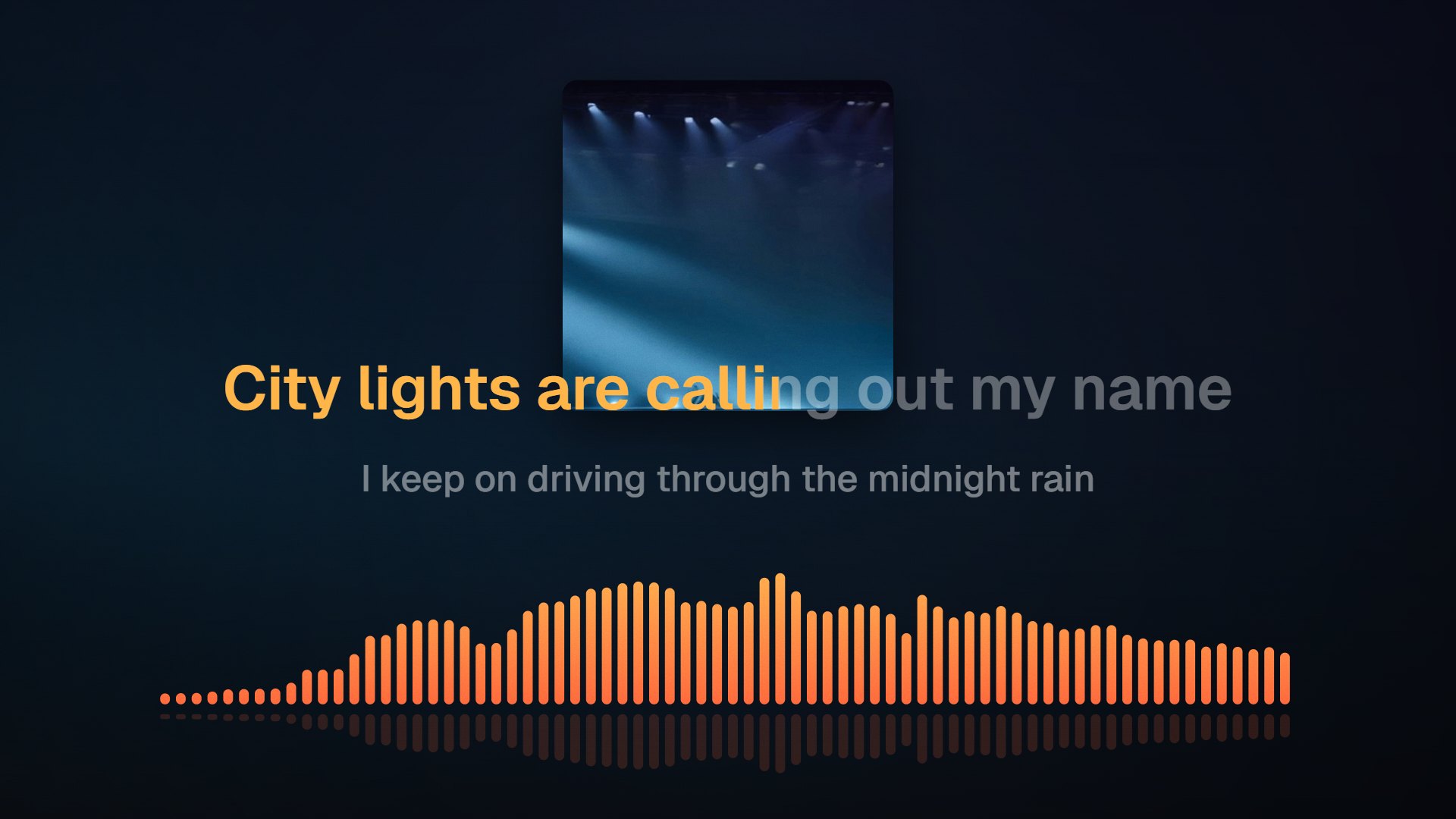
Practice track
One project for the backing track and the words
A karaoke video needs two things that usually come from two different tools: a mix without the lead vocal, and lyrics that show a singer exactly when to come in. Here both happen in one project. In early access, AI separates the vocal from the music and aligns your lyrics word by word, so the highlight sweeps across each line in time with the original phrasing. Prefer to skip AI? Load an instrumental you already have and tap the lines in yourself. Either way, it is built for practice and for songs you have the rights to use.
City lights are calling out my name
I keep on driving through the midnight rain
AI auto-sync is in early access. Tap-to-sync works today, free.
Vocal removal (early access)
AI pulls the lead vocal out of the mix. Studio recordings with a centered vocal separate most cleanly; heavy reverb can leave faint traces.
Word-by-word highlight (early access)
Each word fills in as it is due, so singers can follow the phrasing, not just the line.
A free route with your own instrumental
Load a backing track you own, paste the lyrics and tap each line in. No credits are used.
On the roadmap
A guide-vocal mode that keeps a quiet lead voice for learners, and key change for singers who need the song higher or lower. Neither is live yet.
Who it's for
Built for the way you release.
Singers rehearsing
Run a song with the words in front of you and nobody else's voice on top. Useful before a gig, an audition or a studio session.
Vocal coaches and choir directors
Hand students a practice video for pieces you hold the rights to, with the lyrics timed against the accompaniment.
Artists with their own catalog
Release an official sing-along version of your own song for fans, sized for a living-room TV or for phones.
Karaoke features and what they cost
| Own instrumental + tap-to-sync | Free · line-by-line timing, 720p export with a small watermark |
|---|---|
| AI vocal removal + word highlight | Early access · 50 credits per song up to 6 minutes, about $0.50 |
| Guide-vocal mode | Planned, not live |
| Key change | Planned, not live |
| Clean 1080p | Single HD at $4.99 for one song, or Creator at $12/mo for watermark-free browser exports |
| Credits | Packs of 1,000 / 2,700 / 5,600 for $9.99 / $24.99 / $49.99; Creator includes 200 a month, Pro 1,600 |
Early-access features may change. Credit prices come from the published credit packs.
FAQ
Questions about this tool
Start with a song you own or have permission to use. Upload it, paste the lyrics, and run AI vocal removal with word sync, which is in early access and costs 50 credits per song up to 6 minutes. You get an instrumental plus lyrics that highlight word by word. Check the timing on the timeline, pick 16:9 or 9:16, and export the MP4. If you already have an instrumental, skip the AI and tap the lines in for free.
It works best on clean studio mixes where the lead vocal sits in the center. Expect faint traces when the vocal is drenched in reverb or delay, doubled wide across the stereo field, or blended with backing harmonies. Live recordings separate less cleanly than studio ones. We do not quote a quality score because results vary from mix to mix, and since the feature is in early access, listen to the vocals-off version before you export.
Not yet. A guide-vocal mode that leaves a low lead vocal under the music, so learners can still hear the melody while they sing, is planned. Today the early-access separation gives you the vocals-off mix only. If you need a guide right now and you have the original stems of your own song, blend a quiet vocal into your backing track before loading it, then sync the lyrics to that file.
Key change is planned but not live. The idea is to shift the instrumental up or down for singers whose range sits away from the original recording. Until it ships, transpose the backing track in your audio editor or DAW first, export it as MP3, WAV, M4A or FLAC, then load that file here and sync the lyrics to it as usual. The lyric timing tools work the same on any key.
Only if you have the rights. A karaoke version of a song written by someone else usually needs permission from the publisher, and the original recording may need its own license. YouTube's Content ID can claim or block videos that use protected music. This tool is for practice and for songs you own or are licensed to use. If the song is yours, an official karaoke video is an easy extra release for your channel.
AI vocal removal with word-by-word lyrics costs 50 credits per song, for songs up to 6 minutes. At the 1,000-credit pack rate that is about $0.50 a song. Creator's 200 monthly credits cover four songs, and Pro's 1,600 cover thirty-two. The free route, an instrumental you already own plus tap-to-sync, uses no credits. Credits pay only for the AI step; a clean 1080p export needs Single HD or a subscription.
Yes, and it is free. Load an instrumental or backing track you own, paste the lyrics, and press a key at the start of each line while the music plays. That gives you line-by-line timing rather than word-by-word highlighting, and you can refine any line on the timeline afterwards. Export at 720p with a small watermark at no cost, or pay $4.99 for a clean 1080p file of that song.
Related tools
Keep going with your release
Get the vocal out of the way
Bring a song you have the rights to and preview it without an account. Free with your own instrumental; AI vocal removal is in early access.